Detailed Installation Guide
If preparations are done, select your distribution below for a visual guide.
The world's most popular 3 Linux distributions under one roof. Whether you are a beginner or a professional developer; there is a Linux for you.
Linux is an operating system just like Windows or macOS, but with a very different philosophy. It is open-source, meaning its code is accessible to everyone and it is completely free.
100% of the world's supercomputers, the majority of the internet infrastructure, and Android phones run on the Linux kernel. Now it's time to use this power on your personal computer, securely and freely.
Each distribution has its own character. Discover the one that suits your needs best.
If you've made your decision, click the cards below to download the ISO file.
Download Official
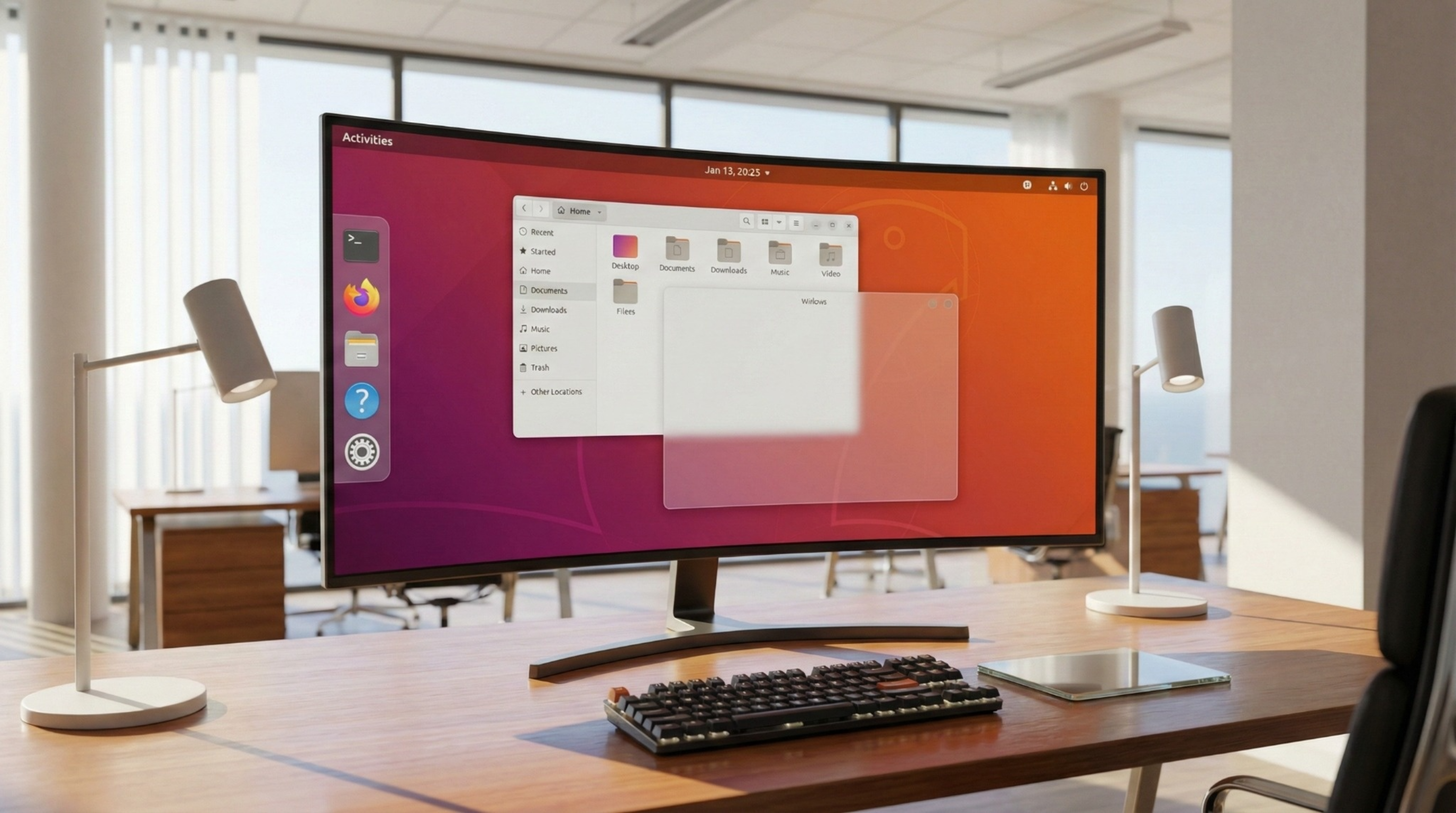
The most popular choice with extensive hardware support and a user-friendly interface.
Download Official
The foundation of many distributions. Known for its ultra-stable structure.
Download Official
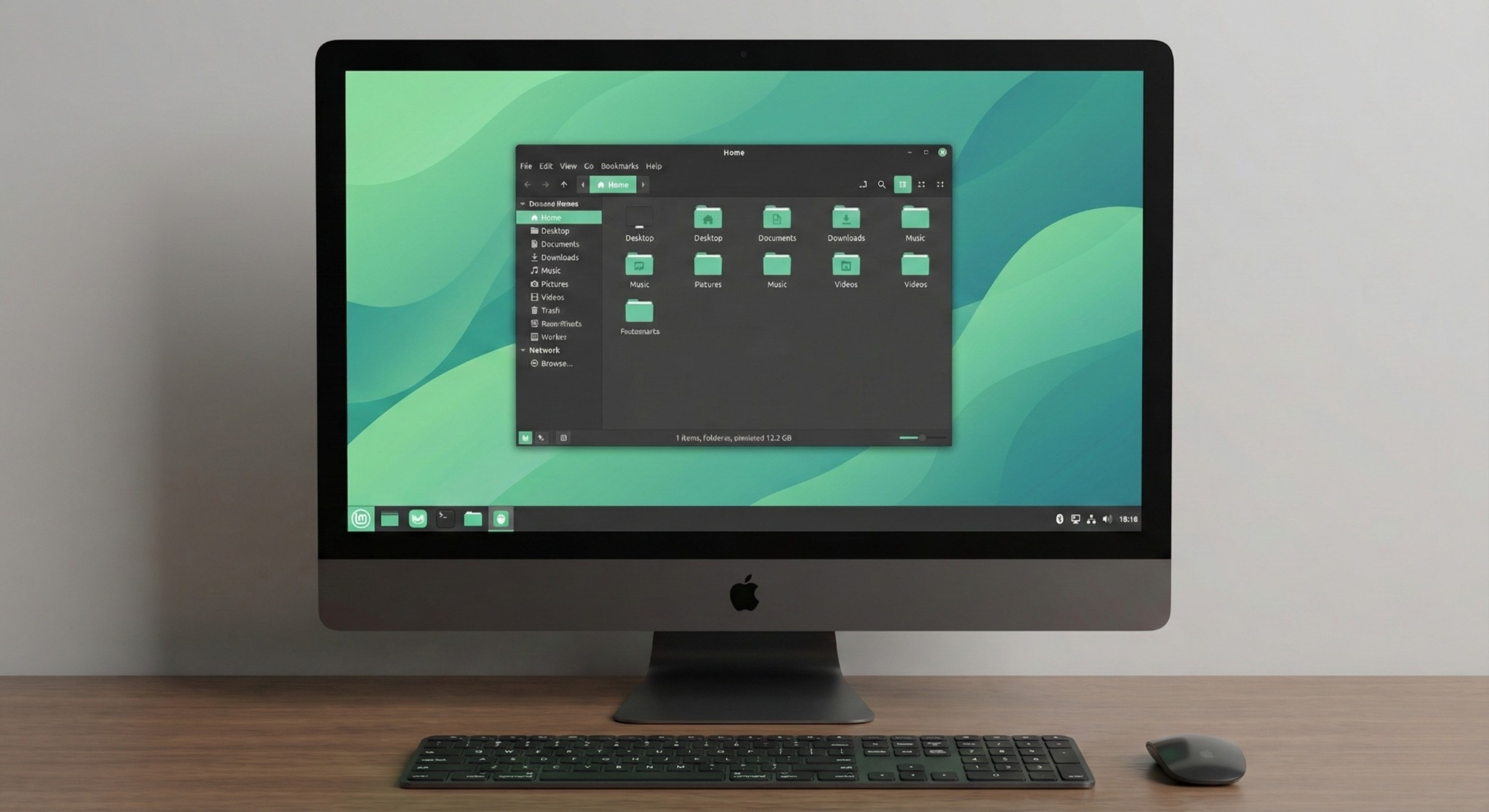
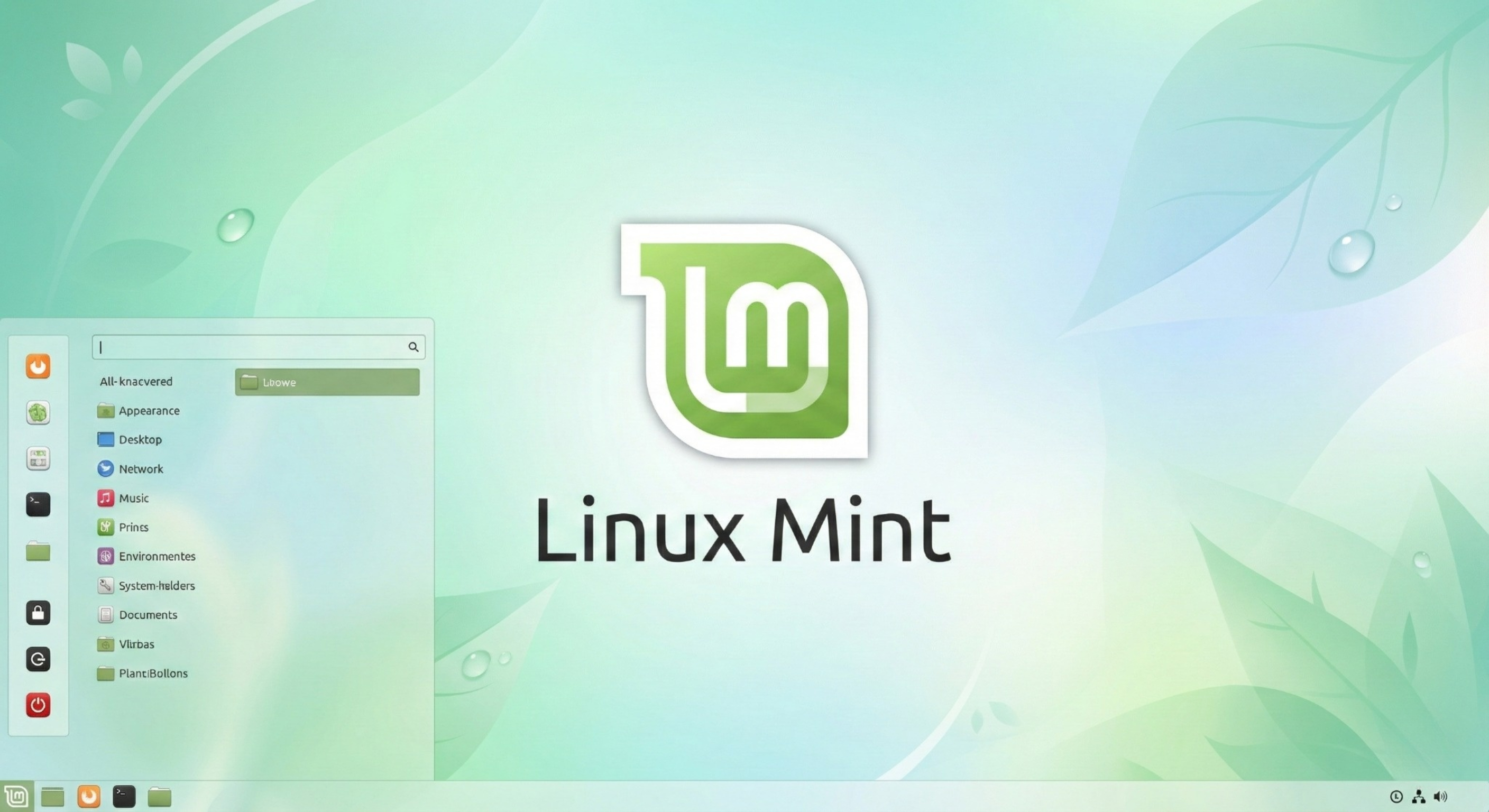
The easiest transition experience with a Windows-like interface.
Make sure you complete these 3 steps for a successful installation.
Download the .ISO file of your chosen Linux distribution (Ubuntu, Mint, or Debian) from the section above.
Insert a USB drive of at least 8GB. Use Rufus or BalenaEtcher to burn the downloaded ISO file to the USB.
Restart your computer. Press the Boot key (F12, F2, or Del) during startup and select the USB drive.
If preparations are done, select your distribution below for a visual guide.
The aesthetic and powerful face of the Linux world.